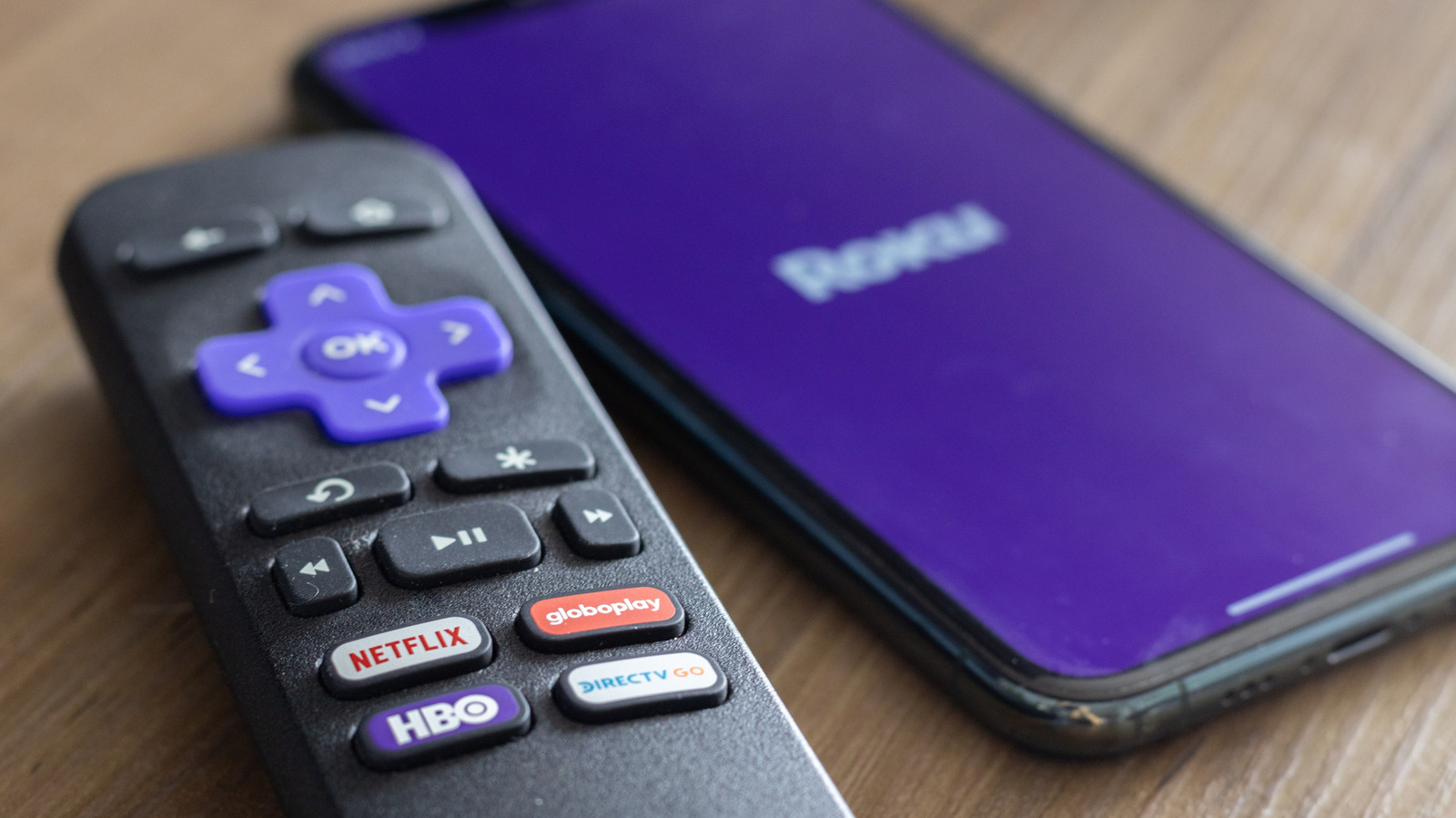
Roku Users Can Reconnect Without Remote
Roku users can reconnect their devices to Wi-Fi without a remote using the Roku mobile app, a mobile hotspot trick, or an Ethernet cable. Issues with password entry and signal strength are common causes of disconnection. Users can troubleshoot by checking their password and signal, and by power-cycling their router and modem.
Key points
- Roku users can reconnect their devices to Wi-Fi without a remote using the Roku mobile app, a mobile hotspot trick, or an Ethernet cable.
- Common causes of disconnection include mistyped passwords and weak signal strength.
- Users can troubleshoot by checking their password and signal, and by power-cycling their router and modem.
- Older Roku models may have issues connecting to the 5GHz network.
Roku Users Can Reconnect Without Remote
Roku users can breathe a sigh of relief as they can now reconnect their devices to Wi-Fi without a remote. This can be done using the Roku mobile app, a mobile hotspot trick, or an Ethernet cable.
Troubleshooting Common Issues
Before using these methods, it's essential to troubleshoot common issues that may be causing the disconnection. One of the most frequent causes is a mistyped password. Users should ensure that their password is entered correctly.
Another common issue is weak signal strength. Users should check their signal strength and ensure that it's strong enough to support their Roku device.
Power-Cycling Router and Modem
If the password and signal both check out, users can try power-cycling their router and modem separately for about 30 seconds to clear any glitches.
Using the Roku Mobile App
The quickest fix to the internet-less Roku is to use the Roku mobile app. This app allows users to connect their Roku device to Wi-Fi without a remote.
Alternative Methods
In addition to the Roku mobile app, users can also use a mobile hotspot trick or an Ethernet cable to reconnect their Roku device to Wi-Fi.
Conclusion
Roku users can now reconnect their devices to Wi-Fi without a remote using the Roku mobile app, a mobile hotspot trick, or an Ethernet cable. By troubleshooting common issues and using these methods, users can get back online in no time.
Sources
The WireByte editorial team synthesises technology news from multiple primary sources, verifies the facts, and links every source. Articles are produced with AI assistance and reviewed under our editorial policy.