Home Network Congestion: Why More Devices Don't Always Mean Better Speed
Connecting numerous devices to a home network can cause severe congestion, leading to buffering, lag, and slow downloads. While upgrading routers or internet plans is a common fix, bandwidth is shared among all connected gadgets. A single smartphone can consume significant resources, meaning performance issues often stem from total device load rather than just hardware limitations.
Key points
- Home networks suffer from congestion when too many devices compete for bandwidth, causing buffering and lag.
- Performance issues stem from two limits: the ISP internet connection and the local Wi-Fi signal strength.
- A single high-end smartphone can consume substantial bandwidth, impacting overall network stability.
- Upgrading to Wi-Fi 6 or 7 routers or faster ISP plans are common but costly solutions.
- There is no fixed rule linking specific Mbps speeds to the number of supported devices.
The Limits of Home Connectivity
Modern households are increasingly reliant on a constant stream of connected devices, from smart home assistants to high-performance gaming consoles. However, this proliferation of technology has exposed the fragility of typical home network infrastructures. When the number of connected devices exceeds the capacity of the network, the result is often a degraded user experience characterized by buffering video streams, laggy online gaming sessions, and excruciatingly slow download times. This phenomenon, commonly referred to as network congestion, affects networks of all efficiencies and performance levels, proving that even high-end setups are not immune to the strain of multiple simultaneous connections.
Dual Bottlenecks: ISP vs. Local Wi-Fi
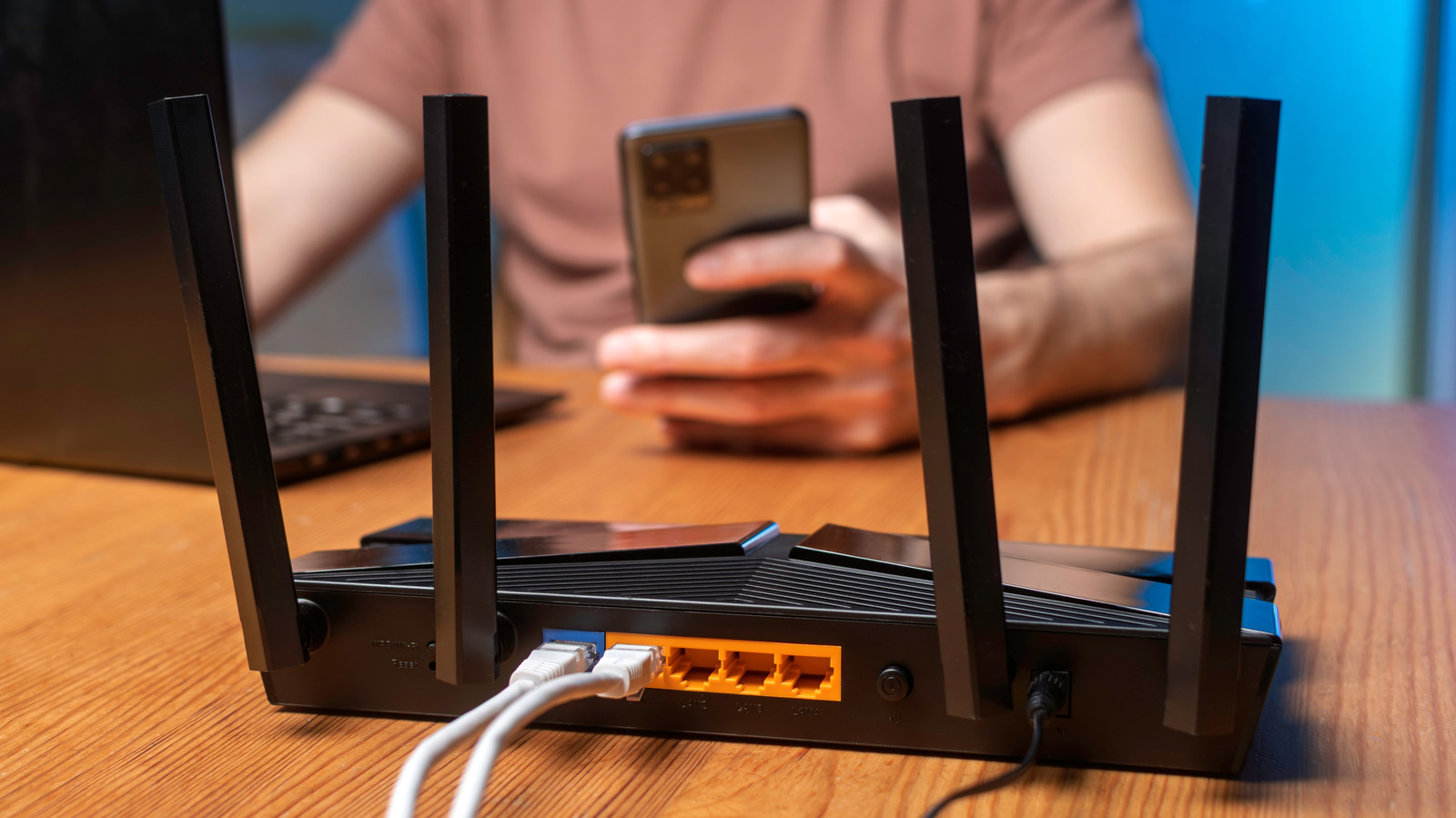
Understanding why a home network fails requires looking at two distinct limitations. The first is the internet connection provided by the Internet Service Provider (ISP). This is the gateway through which all data enters the home. The second limitation is the local Wi-Fi connection between the router and the various devices within the house. A user might have a blazing-fast internet plan, but if the router is poorly positioned or outdated, the local wireless signal will remain weak. Conversely, possessing a state-of-the-art router cannot compensate for a sluggish internet service plan. Both elements must function optimally to maintain a healthy network environment.
The Bandwidth Hog: Single Device Impact
A common misconception is that network congestion only occurs when dozens of devices are active simultaneously. In reality, a single high-end smartphone can consume a significant portion of available bandwidth. Modern devices are capable of streaming high-definition content, running cloud-based applications, and maintaining constant background updates. When one device monopolizes resources, other devices on the same network may experience noticeable slowdowns. This dynamic means that the total number of devices is less important than the aggregate bandwidth demand they create at any given moment.
The Cost of Upgrades
The typical reaction to network slowdowns is to replace the router or upgrade the internet service plan. Many users rush to purchase Wi-Fi 6 or Wi-Fi 7 routers, hoping that newer standards will solve their connectivity issues. They may also contact their ISP to secure a higher-speed tier, which invariably leads to a higher monthly bill. Additionally, users are advised to reposition their routers in more central, unobstructed locations to improve signal distribution. While these steps can improve performance, they are not accessible or practical for everyone. Not every household has the financial flexibility or the rental agreements that allow for such hardware and service changes.
No One-Size-Fits-All Rule
Despite the prevalence of these issues, there is no reliable, universal rule that dictates how many devices a specific internet speed can support. For instance, an internet connection rated at 100 Mbps does not have a fixed device limit. The capacity depends heavily on what the devices are doing. A network handling five devices streaming 4K video will face different constraints than one handling fifty devices checking email. Therefore, blaming a specific Mbps figure for network failures is often inaccurate. The solution lies not just in raw speed, but in managing how that speed is distributed among active devices.
Key takeaways
- Home networks collapse under the weight of too many connected devices, causing buffering and lag.
- Network health depends on both the ISP connection and the local Wi-Fi signal quality.
- A single smartphone can consume enough bandwidth to impact other devices on the network.
- Upgrading to Wi-Fi 6/7 routers or faster ISP plans are common but expensive fixes.
- There is no fixed formula linking internet speed to the number of supported devices.
Sources
The WireByte editorial team synthesises technology news from multiple primary sources, verifies the facts, and links every source. Articles are produced with AI assistance and reviewed under our editorial policy.