Apple Notes App Gains Advanced Math, Graphing, and AI Features
Apple has enhanced its Notes app with Math Notes, enabling real-time equation solving, variable updates, and graph plotting via iOS 18. Newer iOS 27 updates introduce smarter Siri integration and divider lines. These capabilities, including audio transcription and image generation, require Apple Intelligence on iPhone 15 Pro models or later, expanding the app beyond simple text entry.
Key points
- Apple, the technology company, has integrated advanced computational tools into its Notes app, allowing users to solve equations and plot graphs in real time.
- The Math Notes feature, available since iOS 18, automatically calculates answers when an equals sign is typed and supports dynamic variables for budgeting.
- iOS 27 updates add smarter Siri integration and divider lines, while other features like audio transcription and doodle-to-image conversion remain available.
- Apple Intelligence-powered features require specific hardware, including the iPhone 15 Pro, iPhone 15 Pro Max, and all iPhone 16 models or later.
- Users can insert graphs for equations starting with 'y =' by tapping the equals sign, transforming the app into a versatile calculation and visualization tool.
Enhanced Computational Capabilities in Apple Notes
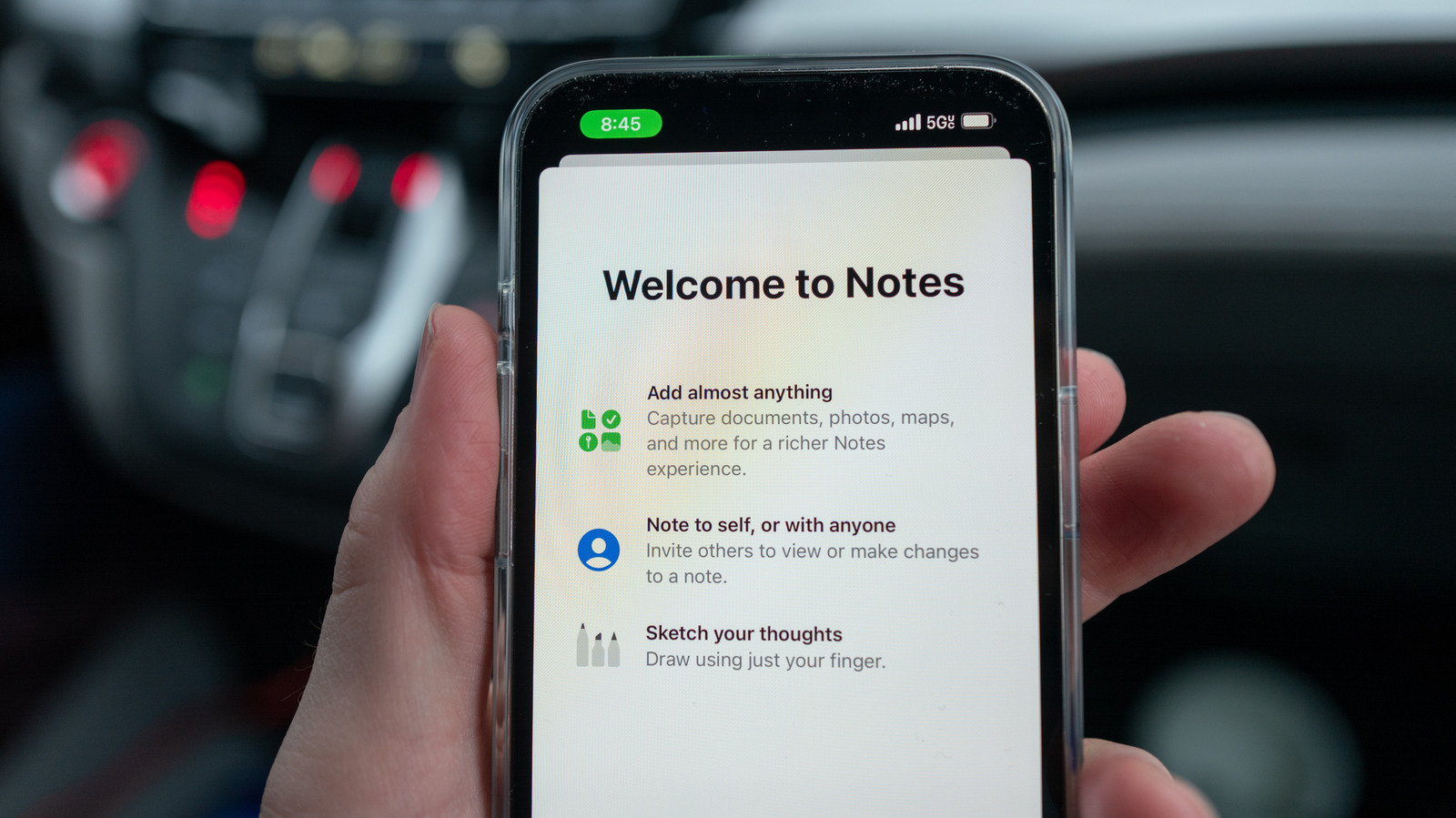
Apple has significantly expanded the functionality of its Notes app, transforming it from a simple text-entry tool into a comprehensive computational and organizational platform. The latest updates introduce Math Notes, a feature that allows users to perform real-time calculations directly within their notes. This integration enables the app to act as both a calculator and a graphing tool, providing immediate feedback as users type mathematical equations. The feature is particularly useful for students, professionals, and anyone needing quick financial calculations, as it eliminates the need to switch between applications for basic arithmetic or algebraic solutions.
Real-Time Equation Solving and Variable Support
Since the introduction of iOS 18, Math Notes has allowed users to type an equation and receive an instant answer by adding an equals sign. The system processes the input dynamically, updating results as the user types. A standout capability is its support for variables. For instance, if a user defines a variable such as "dinner = $42," any subsequent calculations using that variable will automatically update if the initial value is changed. This functionality simplifies complex tasks like splitting bills, planning monthly budgets, or adjusting financial projections without manual recalculation. The app also supports the insertion of graphs for equations that begin with "y =," allowing users to visualize mathematical relationships directly within their notes by tapping the equals sign and selecting the insert graph option.
iOS 27 Updates and Siri Integration
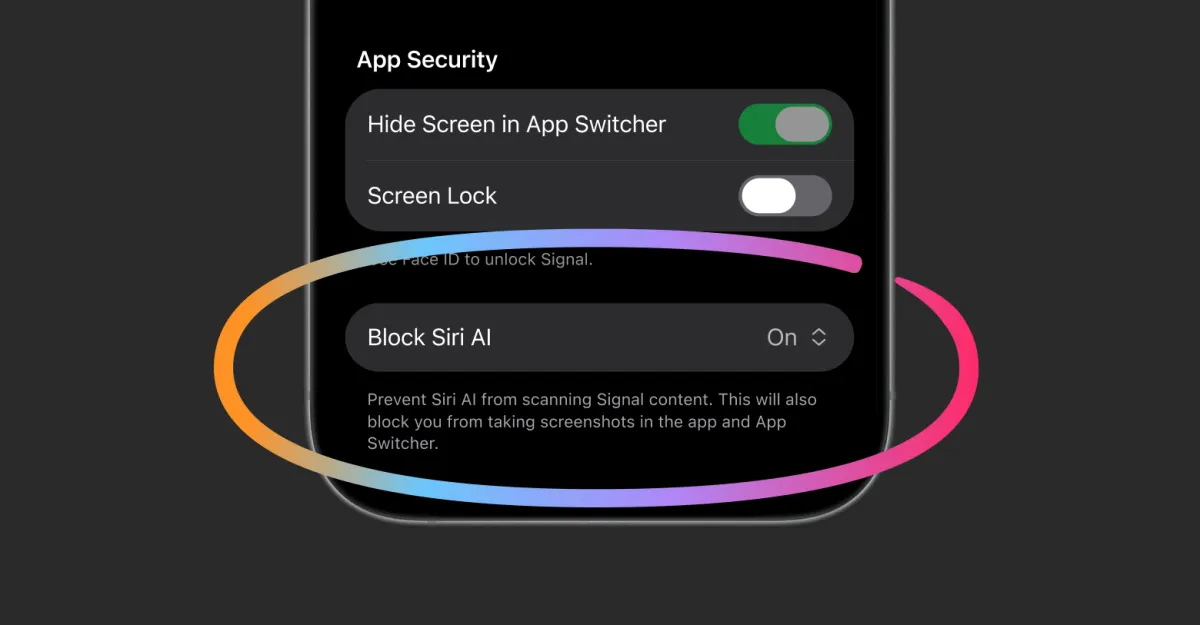
The release of iOS 27 brings further enhancements to the Notes app, including smarter Siri integration and the ability to add divider lines for better organization. These updates aim to make the app more intuitive and capable of handling complex tasks. Siri integration allows users to dictate notes or request specific actions, such as creating to-do lists or setting reminders, directly from the Notes interface. The divider line feature helps users structure their notes more effectively, separating different sections of information for improved readability. These additions reflect Apple's ongoing effort to make its core applications more versatile and integrated with its broader ecosystem of services.
Hardware Requirements and Apple Intelligence
While many new features are available across a wide range of devices, certain advanced capabilities rely on Apple Intelligence, requiring specific hardware to function. These features include audio transcription, image generation from doodles, and more sophisticated Siri interactions. To access these Apple Intelligence-powered tools, users must have an iPhone 15 Pro, iPhone 15 Pro Max, or any iPhone 16 model or later. This hardware requirement ensures that the device has the necessary processing power to handle the complex machine learning tasks involved in these features. Users with older devices can still benefit from the Math Notes and basic organizational features, but the full suite of AI-driven enhancements is restricted to newer models.
Broader Implications for Productivity
The evolution of Apple Notes underscores a broader trend in mobile productivity applications, where simple tools are being augmented with advanced computational and artificial intelligence capabilities. By integrating features like Math Notes, Apple is positioning its Notes app as a multifunctional tool that can replace several standalone applications. This consolidation not only simplifies the user experience but also reduces the need for multiple subscriptions or downloads. For educators and students, the ability to solve equations and plot graphs within a single app can streamline the learning process. Similarly, professionals can use the app for quick financial planning and data visualization without leaving their notes. As Apple continues to refine these features, the Notes app is likely to become an even more central component of daily productivity for iPhone users worldwide.
Key takeaways
- Apple Notes now includes Math Notes, enabling real-time equation solving and graph plotting since iOS 18.
- The app supports dynamic variables, allowing automatic updates to calculations when initial values change.
- iOS 27 adds smarter Siri integration and divider lines to enhance organization and usability.
- Advanced features like audio transcription and image generation require Apple Intelligence on iPhone 15 Pro or later.
- The integration of computational tools positions Notes as a multifunctional productivity app for various user groups.
Sources
The WireByte editorial team synthesises technology news from multiple primary sources, verifies the facts, and links every source. Articles are produced with AI assistance and reviewed under our editorial policy.