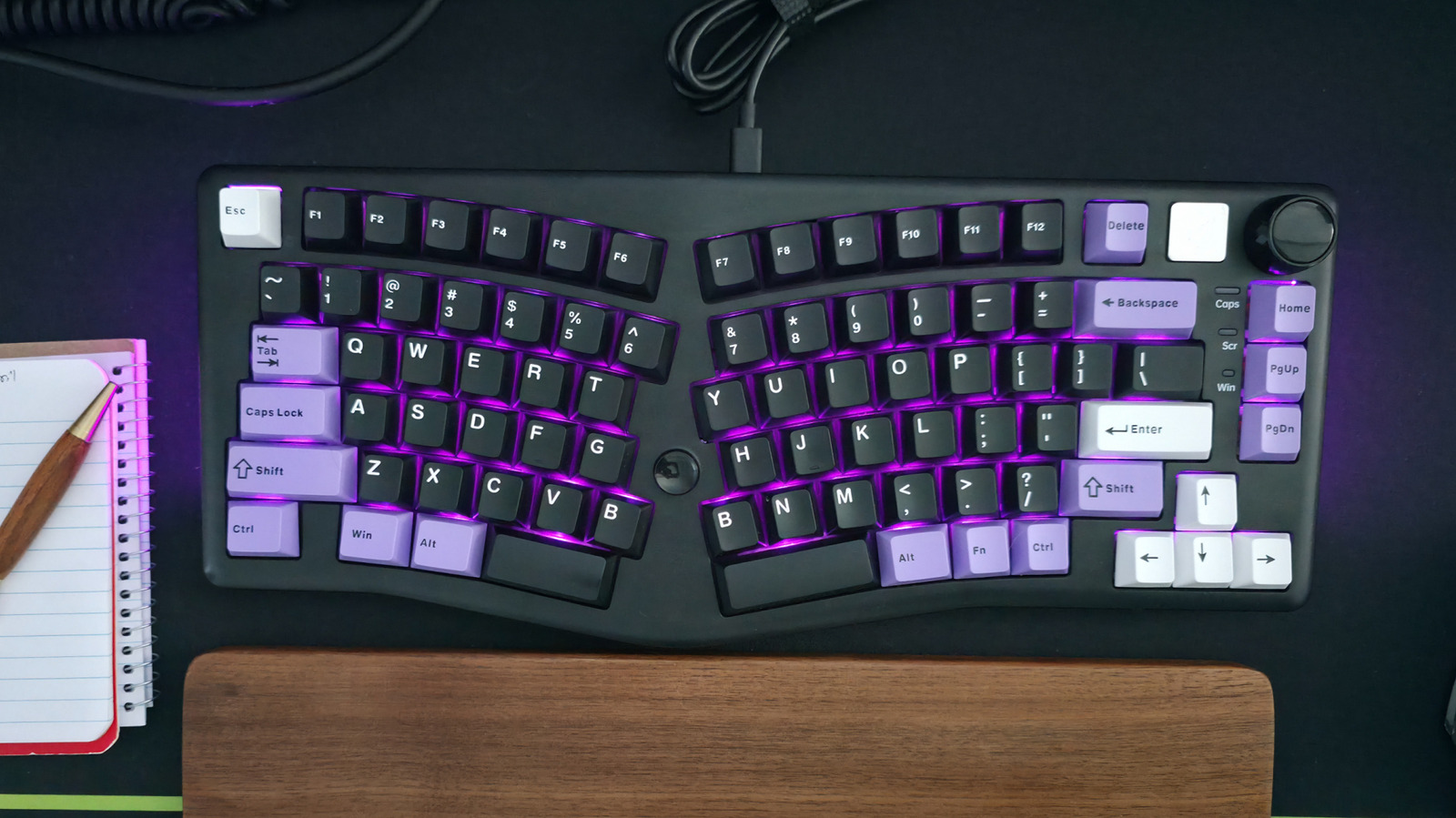
Save High-Speed USB Ports for Demanding Devices
A computer setup guide advises users to plug their keyboard and mouse into low-powered USB 2.0 ports, reserving high-speed ports for more bandwidth-intensive devices. This strategy helps optimize port usage and performance for peripherals like portable SSDs and external monitors.
Key points
- A computer setup guide recommends using low-powered USB 2.0 ports for keyboards and mice to free up high-speed ports for more demanding devices.
- The guide suggests reserving high-speed ports like USB 3.2 Gen 2x2 or USB4 for peripherals that require more bandwidth, such as portable SSDs and external monitors.
- Using low-powered ports for keyboards and mice allows for better performance and optimization of port usage.
- This strategy is particularly useful for users with multiple USB ports and devices that require varying levels of bandwidth.
A recent computer setup guide has sparked debate among users about the best way to utilize USB ports. The guide advises users to plug their keyboard and mouse into low-powered USB 2.0 ports, reserving high-speed ports for more bandwidth-intensive devices. This strategy helps optimize port usage and performance for peripherals like portable SSDs and external monitors.
The guide's recommendation is based on the varying levels of bandwidth required by different devices. High-speed ports like USB 3.2 Gen 2x2 or USB4 are capable of supporting faster data transfer rates, making them ideal for devices that require more bandwidth. In contrast, low-powered USB 2.0 ports are sufficient for keyboards and mice, which require minimal bandwidth.
By reserving high-speed ports for more demanding devices, users can ensure optimal performance and avoid bottlenecking their system. This strategy is particularly useful for users with multiple USB ports and devices that require varying levels of bandwidth.
While some users may disagree with the guide's recommendation, it highlights the importance of understanding the nuances of USB port usage. By choosing the right port for the right device, users can optimize their system's performance and get the most out of their peripherals.
Sources
The WireByte editorial team synthesises technology news from multiple primary sources, verifies the facts, and links every source. Articles are produced with AI assistance and reviewed under our editorial policy.