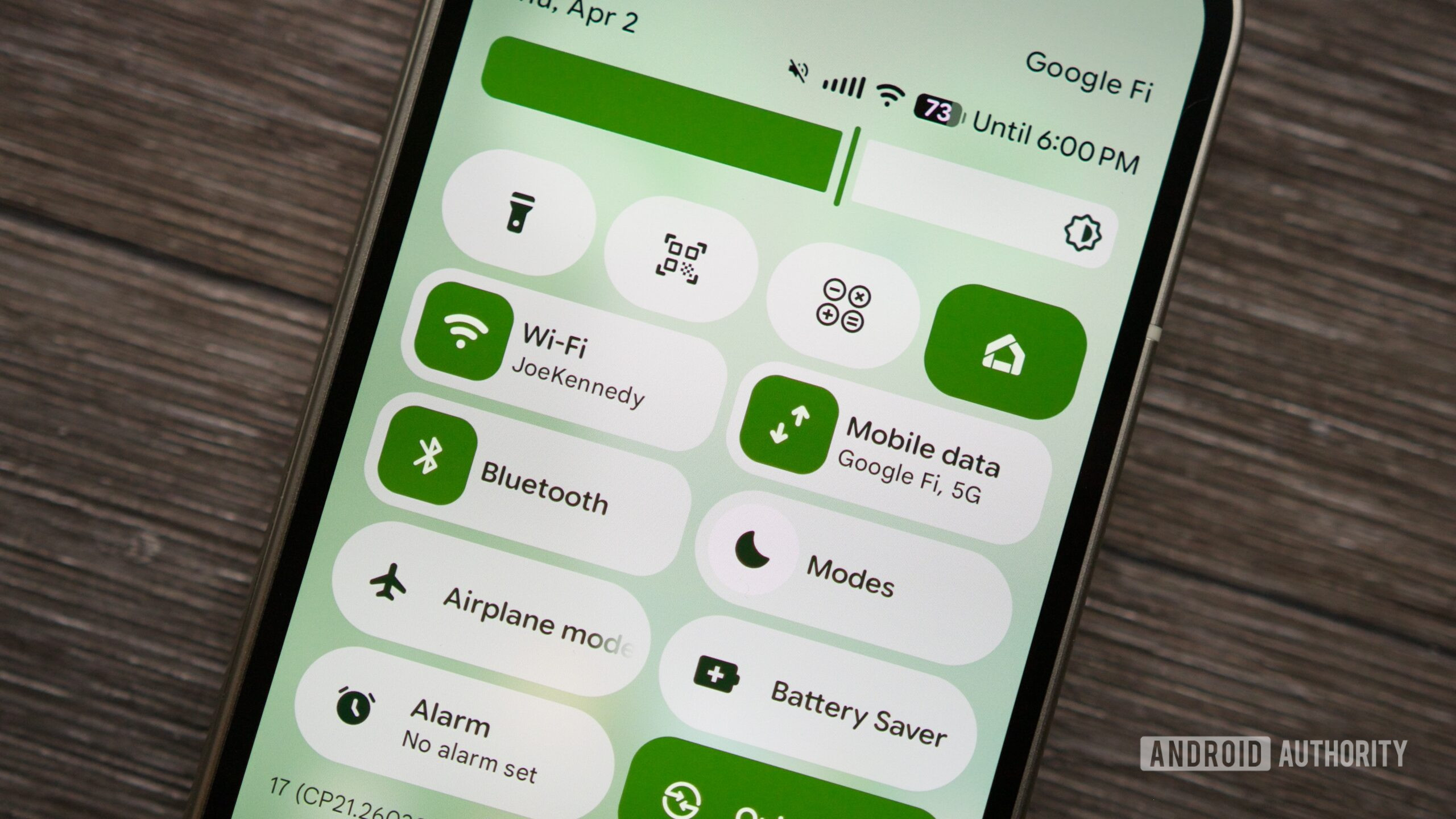
Google Expands Android Quick Settings Customization
Google has introduced a new customizable layout for Android's Quick Quick Settings (QQS) in its latest Canary build. Users can now move the media player above the first row of Quick Settings tiles, making playback controls more accessible. This feature is available in the latest Android Canary update.
Key points
- The new Quick Quick Settings (QQS) layout allows users to move the media player above the first row of Quick Settings tiles.
- The media player can be placed above the default four Quick Settings tiles, such as Wi-Fi, Bluetooth, Modes, and Wallet.
- This feature is available in the latest Android Canary update.
- The change makes playback controls more accessible, allowing users to control music or podcasts from the notification shade with a single swipe.
- The update also brings a new customization option to place the media player above Quick Quick Settings.
Google has expanded the customization options for Android's Quick Quick Settings (QQS) in its latest Canary build. The new layout allows users to move the media player above the first row of Quick Settings tiles, making playback controls more accessible. This feature is available in the latest Android Canary update.
The change is a small but useful tweak for users who regularly control music or podcasts from the notification shade. With the media player at the top, users can access playback controls with a single swipe, eliminating the need to expand the panel or scroll past tiles.
While this feature is currently available only in the Android Canary build, it may be rolled out to the stable version of Android in the future. For now, users who want to try out the new customization option can download the latest Android Canary update and experiment with the new layout.
Sources
The WireByte editorial team synthesises technology news from multiple primary sources, verifies the facts, and links every source. Articles are produced with AI assistance and reviewed under our editorial policy.