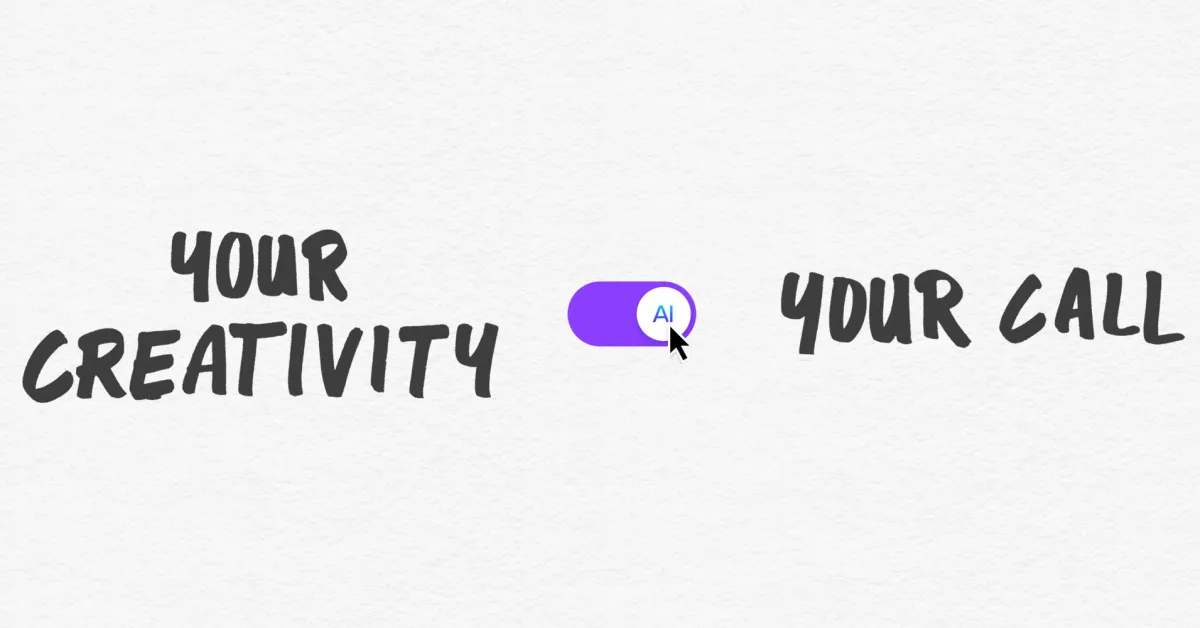
Canva Introduces Toggle to Disable Generative AI Features
Graphic design platform Canva is rolling out new settings allowing free and Pro users to disable generative AI tools and reduce AI content in search results. While features like background removal remain active, the move addresses user demand for greater control over AI integration in digital workflows.
Key points
- Canva, a leading online graphic design platform, has introduced new user controls to manage the presence of generative AI in its ecosystem.
- Free and Pro subscribers can now toggle off generative AI features, hiding tools like Magic Write and Magic Design from their interface.
- A separate setting allows users to prioritize human-created content in search results, though it reduces rather than eliminates AI-generated results.
- Essential non-generative tools such as the Background Remover and Magic Grab remain enabled as they edit existing images without creating new content.
- The update responds to growing user feedback requesting more transparency and control over how artificial intelligence is integrated into design software.
User Control Over AI Integration
Canva has announced the introduction of new settings that allow users to disable generative artificial intelligence features within its platform. This development comes in response to increasing feedback from the user community regarding the pervasive integration of AI tools in digital design software. The new controls are available to both free and Pro subscribers at no additional cost, marking a significant shift in how the company manages the visibility and accessibility of its AI suite.
The primary feature of this update is a toggle switch that enables users to turn off generative AI features entirely. When activated, this setting hides supported generative tools across the application. Users can re-enable these features at any time through the settings menu. The specific path to access this control is under Profile, then Settings, followed by Permissions, where the option to enable or disable generative AI features is located. This functionality addresses concerns from users who prefer traditional design methods or wish to avoid AI-generated outputs in their projects.
Limitations and Persistent Tools
It is important to note that the new off switch does not disable all AI-powered functionalities on the platform. Certain tools, such as the Background Remover and Magic Grab, remain active even when generative AI is turned off. Canva explains that these specific features do not leverage generative AI to create new content; instead, they manipulate the content of existing images. Consequently, using these tools does not add an AI tag to the resulting image's metadata. This distinction highlights Canva's approach to categorizing AI tools based on whether they generate new material or simply edit existing assets.
The second major addition is a setting designed to alter how AI-generated content appears in the platform's library. Users can navigate to the AI personalization section under their account settings to enable a preference for seeing less AI-generated content. This option adjusts the algorithmic presentation of search results and recommendations, prioritizing human-created templates and design elements. However, Canva has clarified that this setting reduces the likelihood of AI content appearing in searches rather than completely blocking it. This nuanced approach aims to balance user preference with the availability of a wide range of design assets.
Context and Future Implications
Since its major push into AI integration in 2023, Canva has continuously expanded its suite of AI-powered image-editing tools. Recent additions include the prompt-powered editing update in April and the launch of its first in-house AI model, Canva Craft, last month. Despite this rapid expansion, user frustration has grown, with many requesting more granular control over AI features. The new settings represent a direct response to this demand, acknowledging the ongoing debate among users regarding the role of AI in creative workflows.
Canva has stated that the future of creativity is not a choice between AI and non-AI, but rather a spectrum where users can choose their level of engagement. By providing these controls, the company aims to accommodate diverse user preferences, from those who embrace AI-assisted design to those who prefer manual creation. The ability to toggle features on and off allows users to customize their experience without being forced into a specific AI-centric workflow.
Key takeaways
- Canva now offers a toggle to disable generative AI features for free and Pro users.
- The setting hides tools like Magic Write and Magic Design from the user interface.
- Non-generative tools such as Background Remover remain active regardless of the setting.
- Users can adjust search results to prioritize human-created content over AI-generated options.
- The update responds to user demand for greater control over AI integration in design tools.
- Canva maintains that AI and traditional design can coexist based on user preference.
Sources
The WireByte editorial team synthesises technology news from multiple primary sources, verifies the facts, and links every source. Articles are produced with AI assistance and reviewed under our editorial policy.