Apple Passwords vs Google Password Manager: Key Differences Explained
Apple Passwords and Google Password Manager offer similar login management but differ in platform integration. Apple’s solution is a standalone app for iOS and Mac users, while Google’s is web-based and tied to Chrome. This distinction affects cross-device accessibility and ecosystem lock-in for users choosing between the two major tech giants.
Key points
- Apple Passwords is a standalone application available on iOS, iPadOS, and macOS, requiring no third-party browser.
- Google Password Manager is primarily a web service at passwords.google.com or integrated directly into the Chrome browser.
- Google’s solution offers cross-browser compatibility, allowing access to saved logins regardless of the browser used on desktop.
- Apple’s system provides immediate, native integration upon device setup, whereas Google requires enabling AutoFill in iOS settings.
- Users must choose between Apple’s ecosystem-specific convenience and Google’s broader cross-platform accessibility.
Platform Integration Strategies
The landscape of digital identity management is dominated by two primary contenders: Apple Passwords and Google Password Manager. While both services provide free, secure storage for user credentials, their architectural approaches reflect the distinct philosophies of their respective parent companies. Apple prioritizes deep integration within its own hardware ecosystem, whereas Google emphasizes accessibility across a fragmented multi-browser environment. Understanding these differences is crucial for users navigating the trade-offs between convenience and platform independence.
Apple’s Ecosystem-Centric Approach
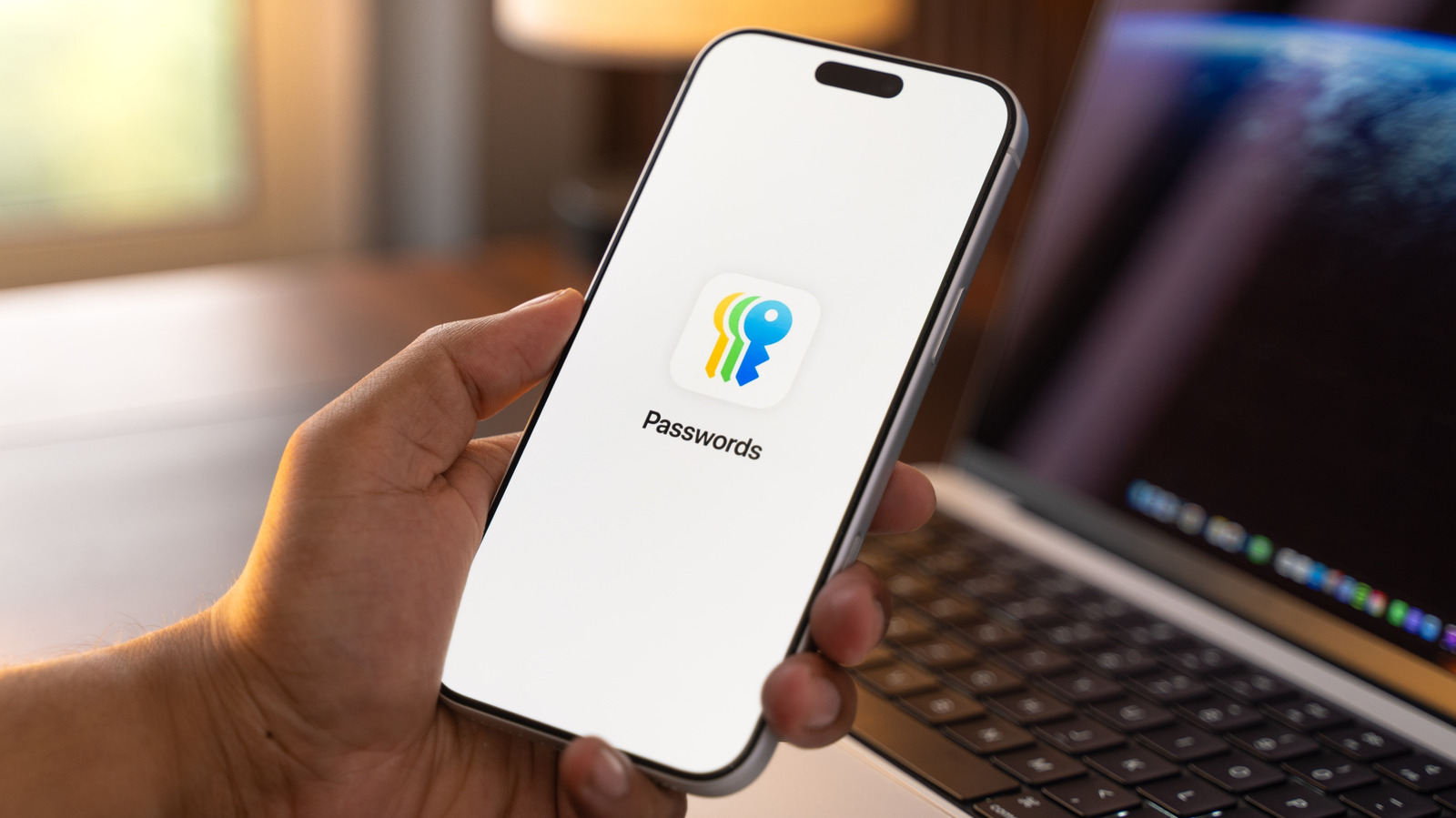
Apple Passwords operates as a standalone application on iOS, iPadOS, and macOS devices. This design choice ensures that the feature is immediately available the moment a user sets up a new Apple device. The interface presents a long, scrollable column of usernames associated with various sites and applications. Tapping or clicking an entry reveals the associated username and password. This native integration means that users do not need to install additional software or configure complex settings to begin using the service. The experience is seamless for those who remain within the Apple hardware ecosystem, offering a unified security layer that is tightly coupled with the operating system.
Google’s Web-First Philosophy
In contrast, Google Password Manager is fundamentally a web-based service accessible via passwords.google.com. It is also built directly into the Chrome browser, making it a ubiquitous tool for millions of users. This approach allows for greater flexibility, as passwords stored in Google’s cloud can be accessed from any device with an internet connection. On macOS, the functionality works regardless of the browser in use, provided the user is signed into their Google account. This cross-platform capability is a significant advantage for users who switch between operating systems or utilize multiple browsers for different tasks.
Cross-Platform Accessibility
For iOS users who prefer Google’s password management, the service can be integrated into the device’s settings. By navigating to Settings, then General, followed by AutoFill & Passwords, users can toggle on Chrome. This enables the Google Password Manager to function similarly to Apple’s native solution, though it still relies on the Chrome app being present. This setup allows for access to passwords regardless of the browser used, offering a level of portability that Apple’s standalone app does not provide natively. The trade-off involves a slight complexity in setup compared to Apple’s out-of-the-box readiness.
The Convenience Trade-Off
The core difference lies in the balance between immediate convenience and broad accessibility. Apple Passwords offers a frictionless experience for users who stay within the Apple ecosystem, with no need for additional configuration or third-party applications. Google Password Manager, however, provides a more universal solution. Its web-based nature and Chrome integration ensure that users can retrieve their credentials from virtually any computer or device, regardless of the operating system. This makes it a preferred choice for those who value flexibility and cross-platform consistency over native device integration.
Key takeaways
- Apple Passwords is a standalone app for iOS and Mac, offering immediate native integration.
- Google Password Manager is a web service and Chrome extension, allowing cross-browser access.
- iOS users can enable Google Passwords via Settings for broader compatibility.
- Apple’s solution is ecosystem-specific, while Google’s is designed for universal accessibility.
- The choice depends on whether a user prioritizes device integration or platform independence.
Sources
The WireByte editorial team synthesises technology news from multiple primary sources, verifies the facts, and links every source. Articles are produced with AI assistance and reviewed under our editorial policy.