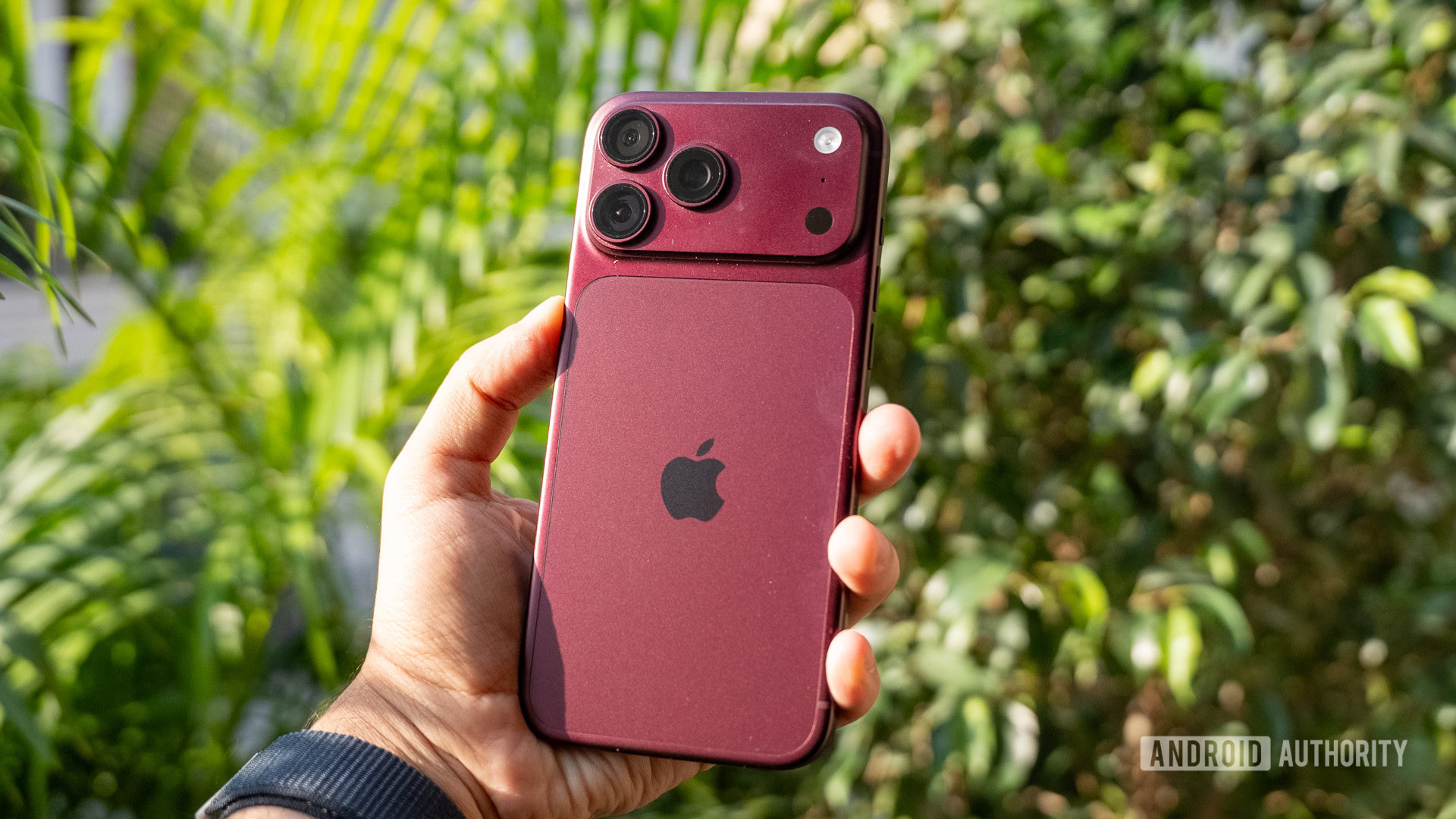
Android User Switches to iPhone 18 Pro, Adjusts Settings for Familiarity
A tech journalist transitioning from a Pixel 11 Pro XL to the iPhone 18 Pro highlights key iOS adjustments for Android users. The review details enabling RCS messaging to preserve high-quality media and read receipts. It also notes the absence of Android’s universal back gesture, emphasizing the distinct navigation paradigms between the two operating systems.
Key points
- Dhruv Bhutani, a journalist at Android Authority, switched from a Pixel 11 Pro XL to an iPhone 18 Pro to evaluate cross-platform usability.
- The reviewer enabled RCS messaging in the Messages app to maintain high-quality media sharing and read receipts with Android contacts.
- iOS lacks Android’s universal back gesture, requiring users to adapt to different navigation mechanics on the iPhone.
- The article serves as a practical guide for users migrating from Android to iOS, focusing on setting adjustments.
- The review highlights that while the switch is an adjustment, specific settings can mitigate the loss of familiar Android features.
Navigating the iOS Transition
The migration from Android to iOS represents a significant shift in user experience, characterized by distinct interface paradigms and functional differences. Dhruv Bhutani, a journalist at Android Authority, recently documented his initial experience switching from a Pixel 11 Pro XL to the iPhone 18 Pro. His review underscores the immediate adjustments required when moving between the two dominant mobile operating systems, highlighting both the friction points and the customizable elements that can ease the transition for long-time Android users.
Essential Settings for Android Converts
Upon setting up the iPhone 18 Pro, the first priority for many migrating users is maintaining communication continuity. Bhutani notes that enabling Rich Communication Services (RCS) messaging is a critical step. This feature allows the Messages app to support high-quality media sharing, read receipts, and typing indicators, which are standard on Android but historically absent in basic SMS. By activating RCS, users can prevent their conversations with Android contacts from feeling like a downgrade in quality and functionality.
Navigation and Gesture Differences
A major point of friction identified in the review is the navigation system. Android users are accustomed to the universal back gesture, typically activated by swiping from the right edge of the screen. iOS does not support this specific gesture, leading to initial confusion and muscle memory errors for new iPhone users. Bhutani describes the first day as a significant adjustment period, where the lack of this familiar control required conscious effort to adapt to iOS navigation conventions.
Customization and Familiarity
Despite these differences, the review suggests that the iPhone 18 Pro offers sufficient settings adjustments to make the device feel more familiar. The goal for migrating users is not to replicate Android exactly, but to retain key habits and functionalities that enhance daily usability. By tweaking specific settings, such as messaging protocols and notification preferences, users can create a hybrid experience that minimizes the learning curve.
The Broader Context of Platform Switching
The transition between mobile ecosystems involves more than just technical settings; it encompasses a shift in digital habits. The review highlights that while iOS and Android are fundamentally different, the gap in user experience can be narrowed through informed configuration. For users considering a switch, understanding these nuances is crucial for a smooth onboarding process. The iPhone 18 Pro, while offering a robust iOS experience, requires users to let go of certain Android-specific conveniences.
Key takeaways
- Dhruv Bhutani switched from a Pixel 11 Pro XL to an iPhone 18 Pro to test cross-platform usability.
- Enabling RCS messaging is essential for maintaining high-quality media and read receipts with Android contacts.
- iOS lacks Android’s universal back gesture, requiring users to adapt to different navigation methods.
- The review serves as a guide for Android users migrating to iOS, focusing on key setting adjustments.
- While the transition involves friction, specific configurations can make the iPhone feel more familiar to Android converts.
Sources
The WireByte editorial team synthesises technology news from multiple primary sources, verifies the facts, and links every source. Articles are produced with AI assistance and reviewed under our editorial policy.