Samsung Enhances Galaxy S26 Camera Controls in One UI 9.5 Beta
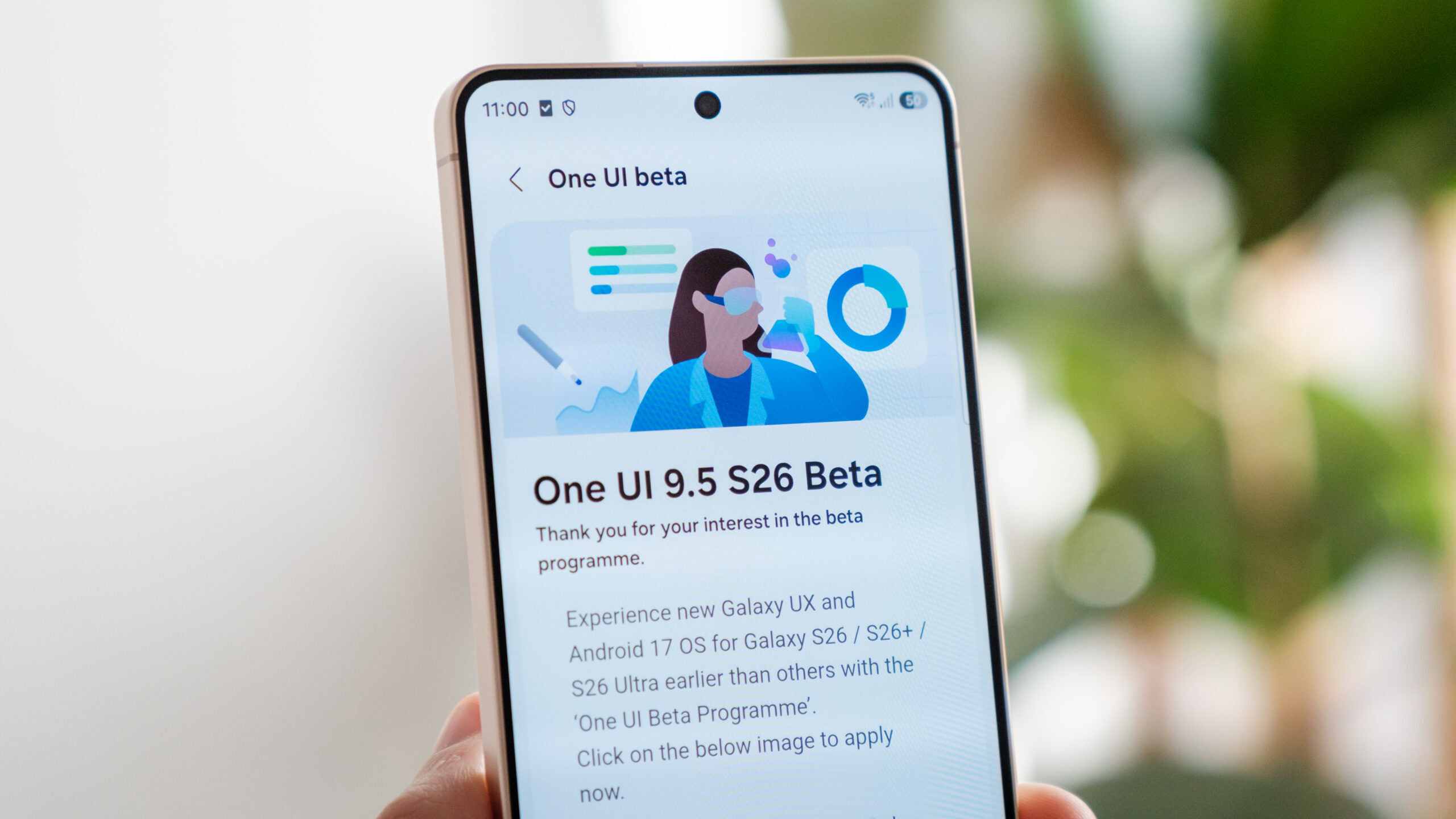
Samsung has released a beta version of One UI 9.5, introducing significant camera improvements for the Galaxy S26. The update adds customizable shortcuts, a redesigned zoom slider, and enhanced Pro modes for photos and video. These changes aim to provide users with greater control over shooting conditions, marking a key software update for the latest flagship device.
Key points
- Samsung is rolling out the One UI 9.5 beta software update, which is currently exclusive to the Galaxy S26 smartphone.
- The update introduces customizable shortcut buttons around the shutter for quick access to auto exposure lock and metering features.
- Users can now long-press these buttons to assign preferred tools such as the timer, histogram, and focus peaking toggle.
- The camera app features a redesigned zoom slider that displays focal length labels instead of traditional magnification factors.
- Enhanced Pro and Pro Video modes offer improved controls and presets to help tailor shots for complex shooting conditions.
Software Update Expands Camera Capabilities
Samsung has officially introduced the beta version of One UI 9.5, a significant software update that brings enhanced functionality to its latest flagship devices. Initially available exclusively for the Galaxy S26, this release focuses heavily on refining the user experience within the default camera application. The update addresses user feedback by providing more intuitive controls and greater flexibility for photographers and videographers who rely on advanced settings. This move underscores Samsung's commitment to keeping its hardware competitive through continuous software innovation, allowing users to extract more value from their device's imaging sensors.
New Interface and Customizable Shortcuts
One of the most immediate changes in the One UI 9.5 beta is the introduction of new shortcut buttons positioned on either side of the shutter button. By default, these buttons provide quick access to the auto exposure lock (AEL) and metering features, which are critical for maintaining consistent lighting in challenging environments. However, the update goes a step further by allowing users to customize these shortcuts. By long-pressing either button, users can assign their preferred tools, including the timer, histogram, and focus peaking toggle. This customization reduces the need to dig through nested menus, streamlining the workflow for professional-style shooting.
Refined Zoom and Pro Modes
Beyond the interface tweaks, Samsung has implemented a redesigned zoom slider that utilizes focal length labels instead of magnification factors. This change aims to provide a more familiar and precise experience for users accustomed to traditional camera terminology. Additionally, the update enhances both the Pro and Pro Video modes. These modes now offer customizable controls and presets designed to help users tailor their shots to tricky shooting conditions. The shared layout between photo and video Pro modes ensures a consistent user experience, allowing for seamless transitions between capturing stills and recording footage.
Implications for Mobile Photography
The introduction of these features highlights the growing expectation for smartphones to offer professional-grade control. As mobile photography continues to evolve, users are increasingly demanding tools that allow for manual adjustments and precise settings. Samsung's decision to bundle these enhancements in a beta release suggests that the company is testing these features with early adopters before a wider rollout. This approach allows Samsung to gather feedback and refine the user experience based on real-world usage. The Galaxy S26, as the primary beneficiary of this update, stands to gain a competitive edge in the high-end smartphone market by offering superior camera software out of the box.
Key takeaways
- Samsung has released the One UI 9.5 beta, currently exclusive to the Galaxy S26.
- New shortcut buttons around the shutter allow for quick access to AEL and metering.
- Users can customize these shortcuts to include tools like the timer and histogram.
- The zoom slider now uses focal length labels for a more precise user experience.
- Enhanced Pro and Pro Video modes offer better controls for complex shooting scenarios.
Sources
The WireByte editorial team synthesises technology news from multiple primary sources, verifies the facts, and links every source. Articles are produced with AI assistance and reviewed under our editorial policy.