Mini PC Power Management: Sleep vs Shutdown Guide
Mini PCs, utilizing laptop-grade hardware without batteries, require users to choose between sleep and shutdown modes. Sleep offers rapid resumption for short breaks, while shutdown is necessary for extended unplugged periods. This distinction is critical for optimizing performance and power efficiency in compact computing devices.
Key points
- Mini PCs utilize laptop-grade hardware and beefier cooling but lack internal batteries, distinguishing them from laptops.
- Sleep mode allows for near-instant resumption of sessions, making it ideal for short breaks of a few minutes.
- Shutdown requires a wait of several minutes to reload the desktop, despite the use of modern SSDs.
- Extended absences necessitate shutdown to allow for safe unplugging, as sleep mode keeps the system powered.
- Mini PCs serve as efficient alternatives for home servers and media centers due to their small footprint.
The Unique Position of Mini PCs
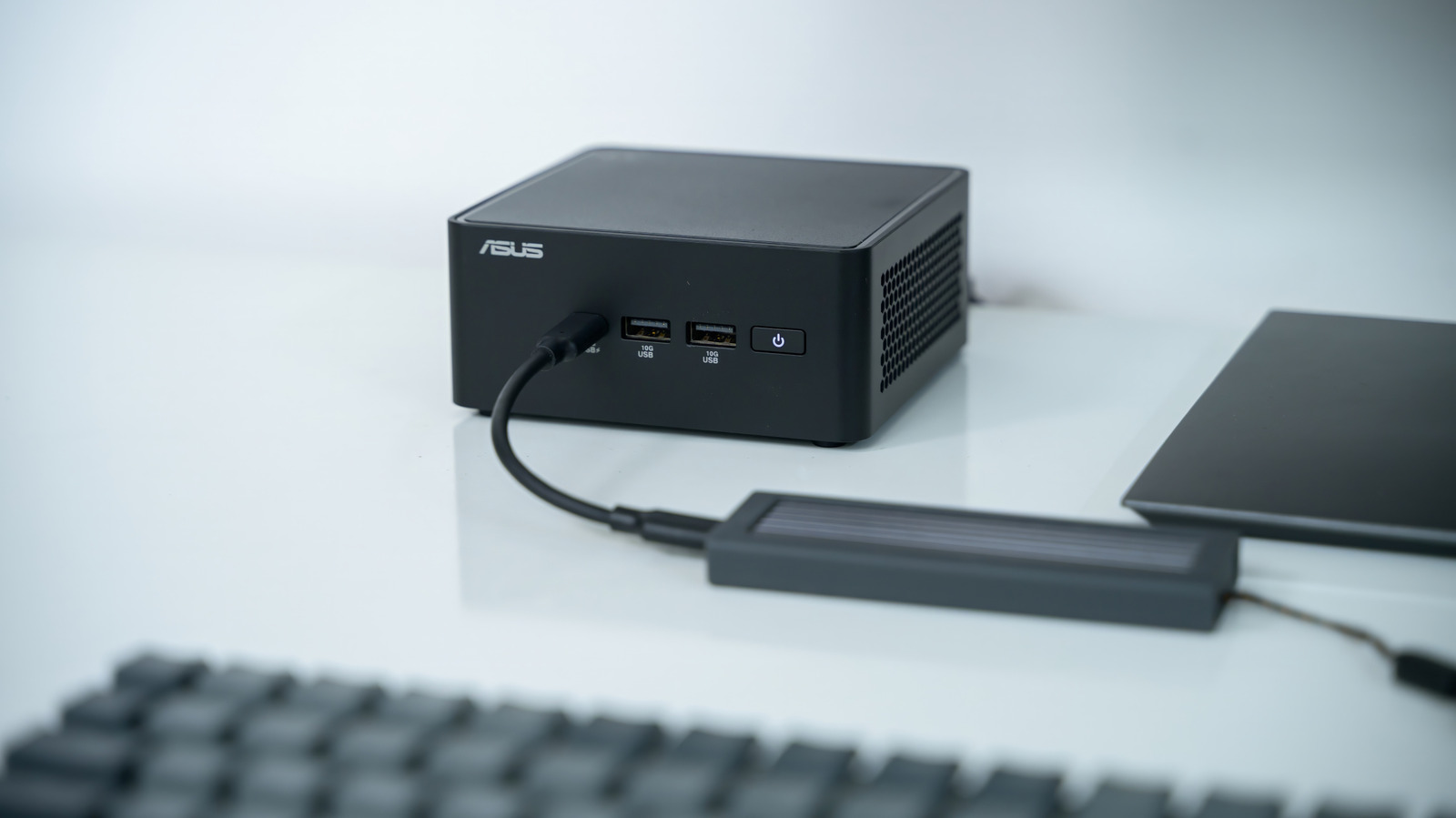
Mini personal computers occupy a distinct niche in the modern hardware landscape. Unlike traditional desktop towers, these compact devices do not offer the same level of raw performance or expansion capabilities. However, their small physical footprint makes them highly suitable for specific use cases, such as home servers or media centers. A key characteristic of many mini PCs is the integration of laptop-grade hardware under the hood. This design choice prioritizes energy efficiency and thermal management over the sustained peak performance of high-end desktop components.
Hardware Differences and Thermal Management
The primary distinction between a mini PC and a laptop lies in power delivery and thermal design. Mini PCs do not contain internal batteries, relying entirely on external power sources. To compensate for the lack of battery backup and the constraints of a small chassis, manufacturers equip these devices with beefier cooling hardware. This enhanced cooling system allows for better sustained performance compared to similar laptop components, which often throttle due to heat. Consequently, users can expect more consistent operation during prolonged tasks, provided the device remains connected to power.
The Dilemma of Power States
When a user finishes their work on a mini PC, they face a choice between sleep and shutdown modes. This decision is more complex than on a laptop, where closing the lid automatically triggers a sleep state. On a desktop-form factor device, the user must manually select the power state. The choice impacts not only convenience but also power consumption and hardware longevity. Understanding the mechanics of each mode is essential for optimizing the user experience.
Sleep Mode: Speed and Convenience
Sleep mode is generally the preferred option for short breaks. When a mini PC enters sleep, it retains the current session in memory, allowing the system to resume within seconds. This immediacy is particularly valuable for users who step away for a few minutes. Even with the speed of modern solid-state drives (SSDs), a full shutdown and restart process requires waiting several minutes to reach the desktop environment. Therefore, for brief interruptions, sleep mode offers a significant efficiency advantage by preserving the workflow state.
Shutdown Mode: Necessity for Unplugging
While sleep is convenient, it is not suitable for all scenarios. The primary limitation of sleep mode is that the system remains powered. This makes it impossible to safely unplug the device without interrupting the session or risking data corruption. For extended periods away from the computer, or when the device needs to be moved or stored, shutdown is the necessary action. Although it incurs a delay upon restart, shutdown ensures the system is completely powered down, allowing for safe disconnection from the power source.
Strategic Usage for Efficiency
The decision to use sleep or shutdown should be based on the duration of the absence. For short intervals, sleep mode preserves open programs and settings, enhancing productivity. However, for longer durations, the benefits of shutdown outweigh the inconvenience of a longer boot time. This is especially relevant for users who treat their mini PCs as always-on devices or home servers. In such cases, regular reboots or shutdowns can help maintain system stability and clear memory leaks that may accumulate over time.
Key takeaways
- Mini PCs use laptop-grade components with enhanced cooling but lack internal batteries.
- Sleep mode enables rapid resumption, ideal for breaks lasting only a few minutes.
- Shutdown requires a multi-minute wait to reload the desktop environment.
- Extended absences require shutdown to allow the device to be safely unplugged.
- The small form factor makes mini PCs suitable for home servers and media centers.
Sources
The WireByte editorial team synthesises technology news from multiple primary sources, verifies the facts, and links every source. Articles are produced with AI assistance and reviewed under our editorial policy.