Google plans direct launch options for Snapseed camera
Google is preparing to streamline access to the camera within its Snapseed photo editing app for Android. The update will introduce direct launch methods, including a dedicated quick settings tile, a lock screen icon, and potential hardware shortcuts like double-pressing the power button. These changes aim to eliminate the current multi-step process required to start recording, allowing users to capture moments more efficiently without navigating through the main application interface first.
Key points
- Google is developing new features for its Snapseed application on Android to improve the usability of its integrated camera tool.
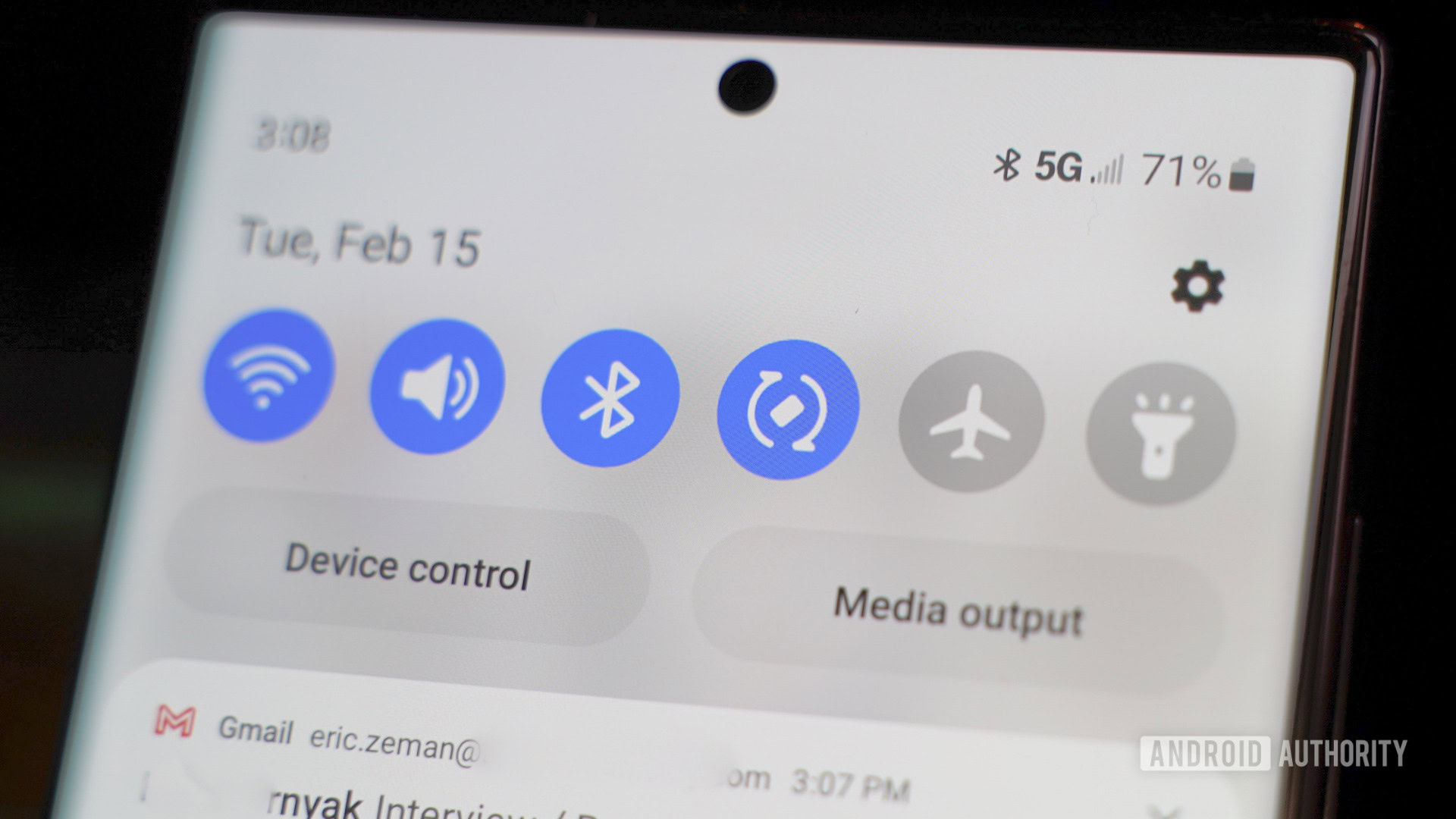
- The update will allow users to launch the camera directly via a new quick settings tile or by adding a specific icon to the device's lock screen.
- Developers are testing hardware-based shortcuts, such as double-pressing the power button, to trigger the camera instantly without opening the app.
- Currently, accessing the camera requires users to open the Snapseed app first or long-press the app icon to select the camera from a menu.
- These changes follow a major redesign of the app earlier this year, which also included support for RAW image editing and improved collage tools.
- The goal is to reduce friction for users who wish to use Snapseed for photography rather than just post-processing, ensuring faster access to capture mode.
Google is working to enhance the functionality of its Snapseed photo editing application on Android by introducing more direct methods for launching the built-in camera. Currently, users must navigate through the main application interface or use long-press gestures on the app icon to access the camera, a process that can be cumbersome for capturing spontaneous moments. The upcoming update aims to address this by adding a dedicated quick settings tile and the option to place a camera-specific icon on the lock screen, allowing for immediate access.
In addition to software-based shortcuts, Google is reportedly testing hardware integration options. This includes the possibility of triggering the camera by double-pressing the power button, a gesture commonly associated with launching the default camera app on many Android devices. These changes are part of a broader effort to improve Snapseed's utility as a photography tool, following a significant redesign earlier this year that introduced features such as RAW image editing with LUTs and advanced collage creation capabilities.
The development reflects a strategic shift to make Snapseed more competitive as a standalone camera application, not just an editor. By reducing the number of steps required to start recording, Google hopes to encourage users to utilize the app's advanced photographic features more frequently. The update is expected to roll out to Android users in the coming months, further integrating the app into the daily workflow of mobile photographers.
Sources
The WireByte editorial team synthesises technology news from multiple primary sources, verifies the facts, and links every source. Articles are produced with AI assistance and reviewed under our editorial policy.