Google Messages Beta Introduces Visual Search Overhaul
Google is rolling out a redesigned search interface for the Messages beta, replacing filter grids with visual sections for images, videos, and links. The update aims to simplify finding shared content across conversations. The change is currently appearing on select devices via a gradual server-side deployment.
Key points
- Google is updating the Messages app beta with a new search interface that organizes shared content into visual sections for images, videos, and links.
- The redesign replaces the previous grid of filters for unread messages, senders, and starred content with a more intuitive visual overview.
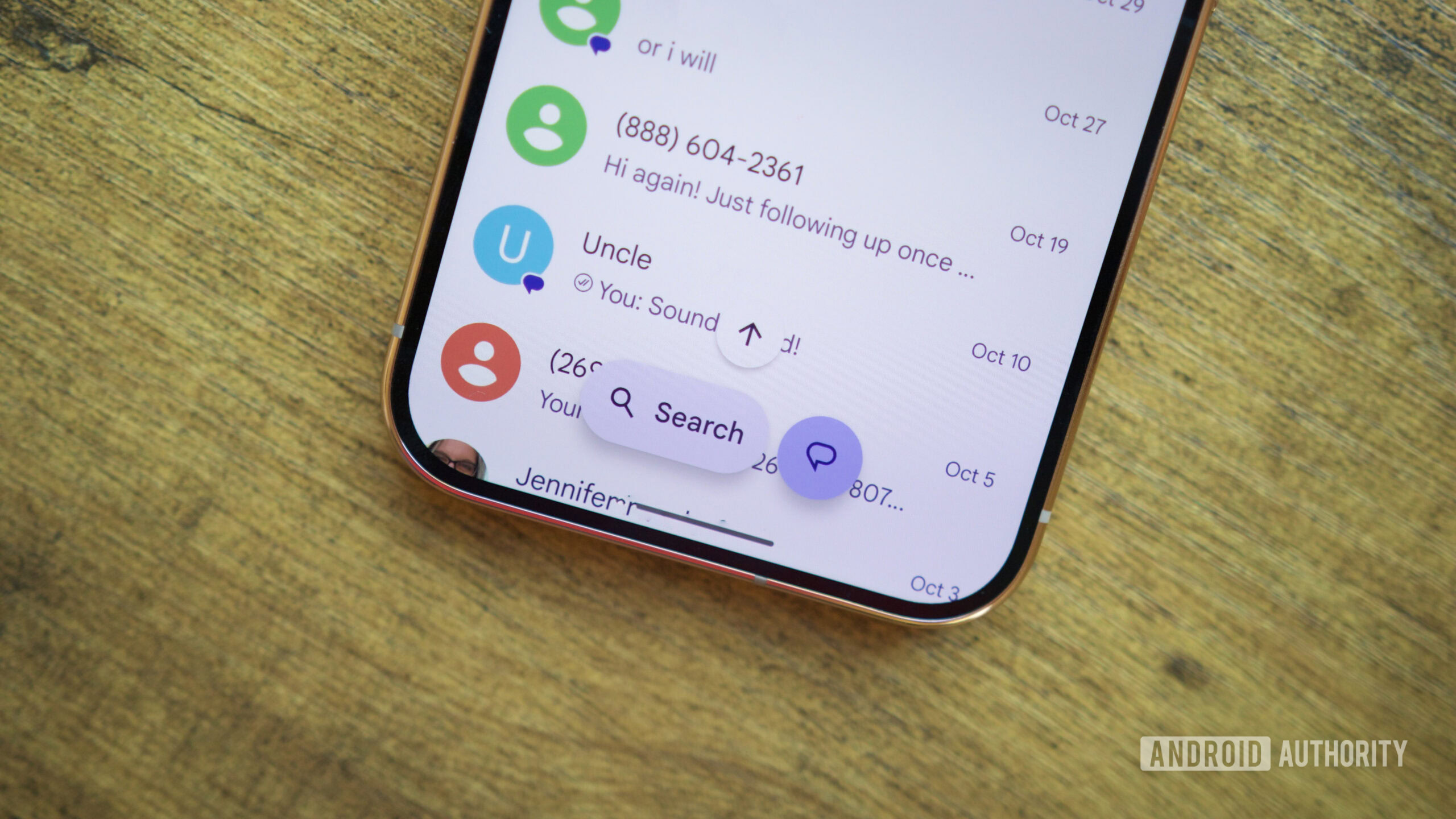
- A new in-chat search shortcut is also being introduced to some beta testers to facilitate quicker access to specific messages.
- The rollout is currently gradual and server-side, meaning the update is appearing on select devices rather than all beta testers simultaneously.
- The changes follow months of code analysis by Android Authority, confirming that previously hidden features are now becoming active for users.
Visual Search Redesign Takes Shape
Google is currently rolling out a significant redesign to the search interface within its Messages application, specifically targeting users enrolled in the beta testing program. This update marks a departure from the traditional search experience, aiming to make locating historical conversations and shared media considerably easier for users. The changes were first identified in the app's code back in September, where analysts noted a major overhaul was being developed to improve the discoverability of photos, videos, links, and individual text messages.
From Filter Grids to Visual Overviews
The most noticeable difference in the new interface is the layout presented upon initiating a search. Previously, the search screen displayed a grid of filters designed to help users narrow down results based on criteria such as unread messages, known and unknown senders, starred content, and various media types. The new design replaces this functional but cluttered grid with a visual overview. This overview organizes shared images, videos, and links into distinct, easily navigable sections.
Each of these visual sections includes thumbnail previews of the content, allowing users to quickly identify the media they are looking for. Additionally, an arrow icon accompanies each section, enabling users to explore more content within that specific category. This shift suggests a move towards a more intuitive, gallery-like experience for searching through message history, rather than relying solely on text-based filtering.
New In-Chat Search Capabilities
Alongside the main search interface overhaul, Google is also introducing a new in-chat search shortcut for some beta testers. This feature is designed to streamline the process of finding specific messages within an active conversation without having to exit the chat window or navigate to the main search page. While the exact mechanics of this shortcut are still emerging, its inclusion indicates a broader effort to reduce the number of steps required to retrieve information from the app.
Gradual Server-Side Rollout
Despite the excitement surrounding the new features, not all beta testers have received the update simultaneously. The rollout is being managed through a gradual, server-side deployment process. This means that the changes are being enabled on a per-device basis by Google's servers, rather than through a mandatory app update that all users must install at once. Consequently, some team members and beta testers have reported seeing the new interface, while others continue to use the older version.
Background and Future Implications
The development of this search redesign has been tracked by tech analysts for several months, with early code analysis revealing the intent to overhaul how users interact with the app's search functionality. The transition from a filter-heavy interface to a visual, content-centric design reflects a broader trend in mobile messaging applications to prioritize media sharing and quick retrieval of visual data. As the rollout continues, more users will likely experience the new interface, providing Google with valuable feedback on usability and performance.
Key takeaways
- Google Messages beta users are seeing a new search interface that replaces filter grids with visual sections for media.
- The update includes a new in-chat search shortcut to help users find specific messages more quickly.
- The rollout is gradual and server-side, meaning availability varies among beta testers.
- The redesign aims to simplify the process of finding shared images, videos, and links in conversation history.
- The changes follow months of code analysis that revealed the upcoming overhaul of the search experience.
Sources
The WireByte editorial team synthesises technology news from multiple primary sources, verifies the facts, and links every source. Articles are produced with AI assistance and reviewed under our editorial policy.